
Database Reactivation: How Local Businesses Get 30+ Google Reviews in 48 Hours
What is Database Reactivation for Google Reviews?
Database Reactivation (DBR) is an automated outreach strategy that sends targeted, personalized SMS and email requests to a business's existing past customer list to collect fresh Google reviews. When structured compliantly, a single Database Reactivation campaign routinely generates 20 to 50+ authentic 5-star reviews within 48 hours, providing an immediate boost to Google Map Pack rankings.
If you have been operating a local service business, medical clinic, or contractor company for more than a year, you are likely sitting on a hidden goldmine: your past customer list.
Most business owners spend thousands of dollars on Facebook ads, Google PPC, and direct mail trying to acquire new leads. Yet, hundreds (or thousands) of past clients who already know, like, and trust your work sit silently in your CRM, booking software, or spreadsheets.
A Database Reactivation (DBR) campaign unlocks that hidden asset, generating a massive wave of 30+ verified 5-star Google reviews in as little as 48 hours—without spending a single dollar on ad spend.
1. Why Past Customers Are Your Highest-Converting Review Asset
When you ask a current client for a review, they intend to do it, but life gets busy. However, when you re-engage past clients with a polite, well-timed text message, response rates skyrocket.
Here is why Database Reactivation works so dramatically fast:
- Established Trust: They have already experienced your service and know your quality.
- Zero Friction: SMS messages have a 98% open rate, with most texts opened within 3 minutes of delivery.
- Algorithm Signal: Dropping 20–30 new, authentic reviews into your Google Business Profile signals to Google that your business is experiencing high client activity, triggering a rank bump in the Local Map Pack.
2. Step-by-Step Playbook for a 48-Hour DBR Campaign
To run a high-converting Database Reactivation campaign, follow this proven 3-step workflow:
Clean CSV & Tag
Upload past contacts
Drip SMS Outreach
Send in batch drip-mode
Direct Link Routing
1-click Google review
Step 1: Clean and Prepare Your Contact List
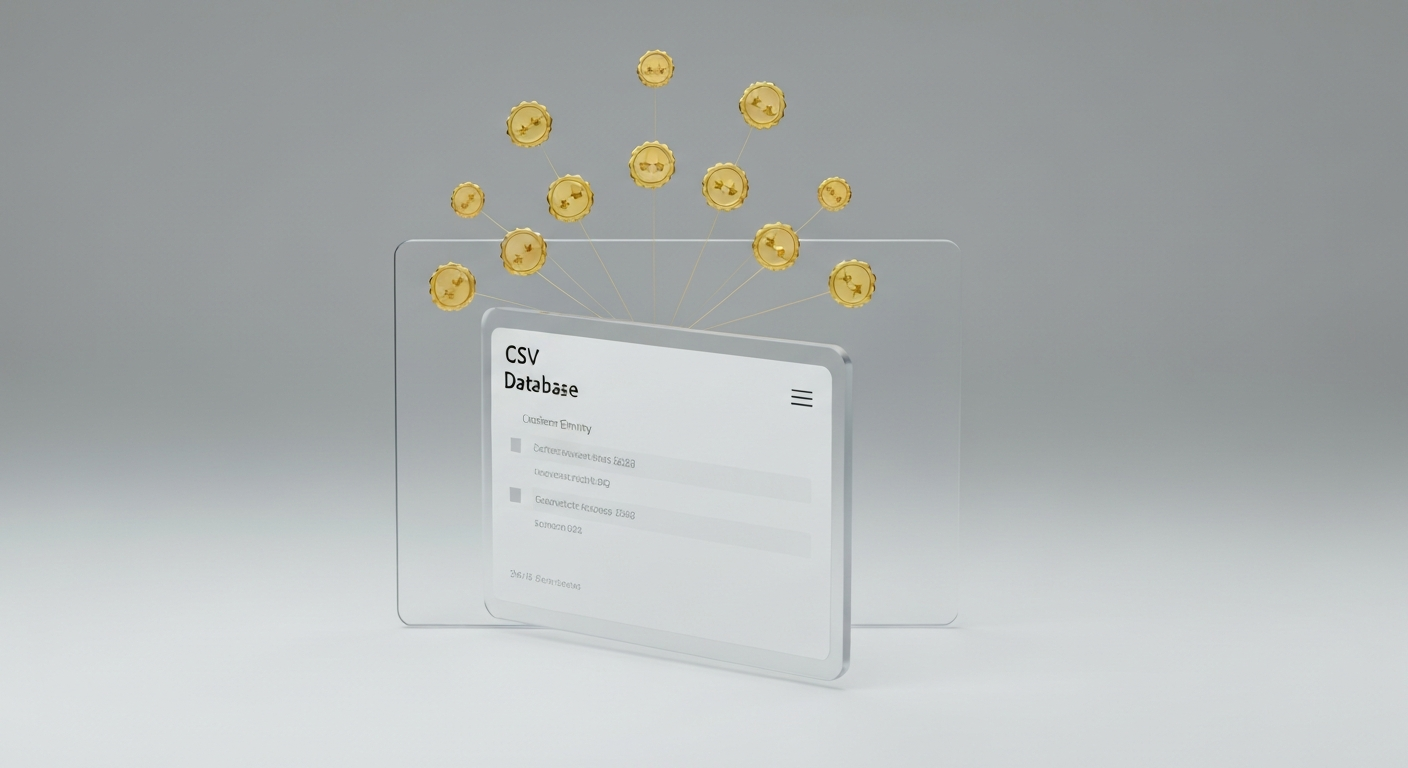
Export your customer list from your CRM, QuickBooks, or job software into a CSV file. Filter the list to include customers who received service within the last 3–12 months. Make sure you have their First Name and Cell Phone Number.
Step 2: Use Drip Mode to Prevent Carrier Spam Blocking
Never blast 1,000 texts at the exact same second. Mobile carriers like Verizon and AT&T will flag your business number for spam.
The Solution: Use automated software like DaySaw Agency to send texts in "Drip Mode"—releasing 15 to 25 messages every 15 minutes.
Step 3: Craft a Short, High-Converting SMS Script
Keep your text message friendly, brief, and centered around a single clear call-to-action.
"Hi [First Name]! It's [Owner Name] with [Business Name]. We're updating our local Google page and would mean the world to our team if you could share a quick 30-second review of your experience with us: [Direct Google Review Link]"
3. The "Reviews for Good" Advantage: Doubling Your Conversions
The secret to boosting your Database Reactivation conversion rate from 10% to over 25% is incorporating a cause-driven incentive.
At DaySaw Agency, we incorporate our signature "1 Review = 1 Meal Donated" campaign. When past customers receive a message explaining that leaving a review sponsors a meal for a local family in need through hunger-relief organizations like Feeding America, participation jumps exponentially.
Have 100+ Past Customers in Your Database?
Let DaySaw run a Database Reactivation campaign for you during your 14-day trial and watch 20 to 50+ new 5-star Google reviews flood in this week!
Launch Your Free DBR Campaign →4. Staying FTC & Carrier Compliant During a DBR Campaign
To ensure your Database Reactivation campaign is 100% legal and compliant, adhere to these two rules:
- A2P 10DLC Registration: Ensure your texting system is registered for A2P 10DLC (Application-to-Person 10-Digit Long Code) with US carriers so your automated texts deliver reliably.
- Opt-Out Compliance: Always include an opt-out phrase in your automated messages (e.g., "Reply STOP to unsubscribe").
- No Review Gating: Do not restrict review access based on satisfaction levels. Give every client equal opportunity to leave feedback on Google while offering an internal feedback loop for customer service issues.
Frequently Asked Questions (FAQ)
Is Database Reactivation legal?
Yes. As long as you are messaging customers who have previously conducted business with you and your phone numbers comply with A2P 10DLC carrier registration and TCPA guidelines (including clear opt-out options), Database Reactivation is a fully compliant marketing practice.
How many reviews can I expect from a list of 500 past clients?
On average, a well-optimized Database Reactivation campaign with a cause-driven hook yields a 10% to 20% conversion rate. A list of 500 past contacts typically generates 50 to 100+ fresh 5-star Google reviews.
How often should I run a Database Reactivation campaign?
It is best practice to run a major Database Reactivation campaign once every 6 to 12 months for older database entries, while keeping ongoing post-service review automations active every single day for new completed jobs.
Launch Your Database Reactivation with DaySaw Agency
Ready to transform your past customer database into local Google Maps dominance? DaySaw Agency connects to your list, manages carrier-compliant drip messaging, automates personalized review responses, and posts your best 5-star ratings directly to social media.
Start Your 14-Day Free Trial →Setup takes 30 seconds with no credit card required. For every 5-star review you generate, we donate a meal to local families in need!